> ## Documentation Index
> Fetch the complete documentation index at: https://docs.pocketx.app/llms.txt
> Use this file to discover all available pages before exploring further.
# Login Page
> A login page is the first step for users to access a system or application by entering their credentials.
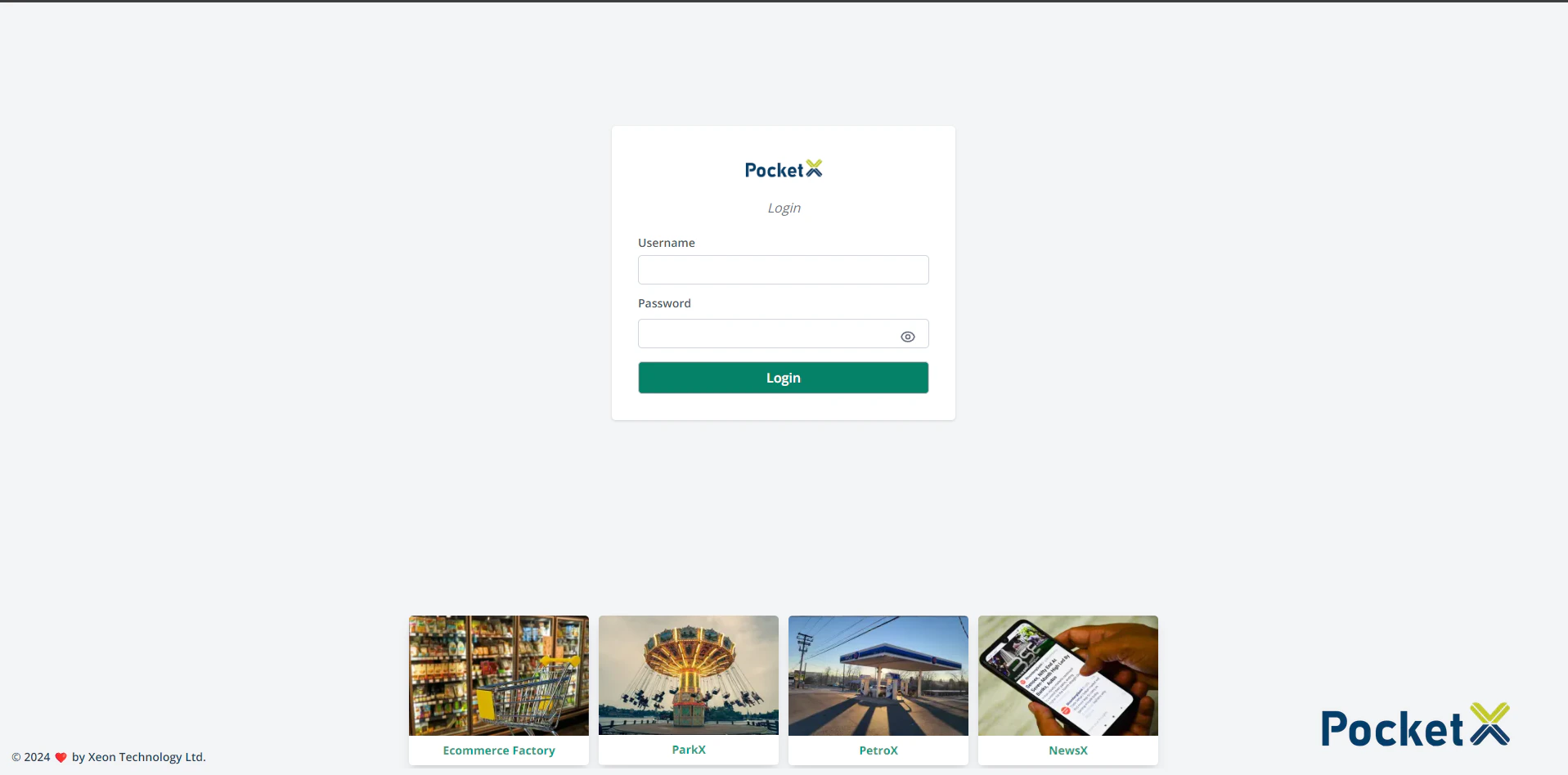 ## Why Login?
A login page is the first step for users to access a system or application by entering their credentials. It provides a secure way to authenticate users and grants them access to personalized content and functionalities.
## How To Login
A login page is a screen or webpage that requires users to provide their credentials, such as a username and password, in order to access a restricted area or feature on our website.
# Step By Step Login:
### The typical elements of a login page include:
* Username or email address field: Users enter the unique identifier assigned to them by the system. This could be their email address, username, or some other identifier.
* Password field: Users enter their password.
* Login button: Users click this button to submit their credentials and attempt to log in.
* Login failure message: If users enter incorrect credentials, the system displays a message informing them of the error.
Security measures: To prevent automated attacks or unauthorized access, login pages include security measure CAPTCHA.
## Why Login?
A login page is the first step for users to access a system or application by entering their credentials. It provides a secure way to authenticate users and grants them access to personalized content and functionalities.
## How To Login
A login page is a screen or webpage that requires users to provide their credentials, such as a username and password, in order to access a restricted area or feature on our website.
# Step By Step Login:
### The typical elements of a login page include:
* Username or email address field: Users enter the unique identifier assigned to them by the system. This could be their email address, username, or some other identifier.
* Password field: Users enter their password.
* Login button: Users click this button to submit their credentials and attempt to log in.
* Login failure message: If users enter incorrect credentials, the system displays a message informing them of the error.
Security measures: To prevent automated attacks or unauthorized access, login pages include security measure CAPTCHA.